
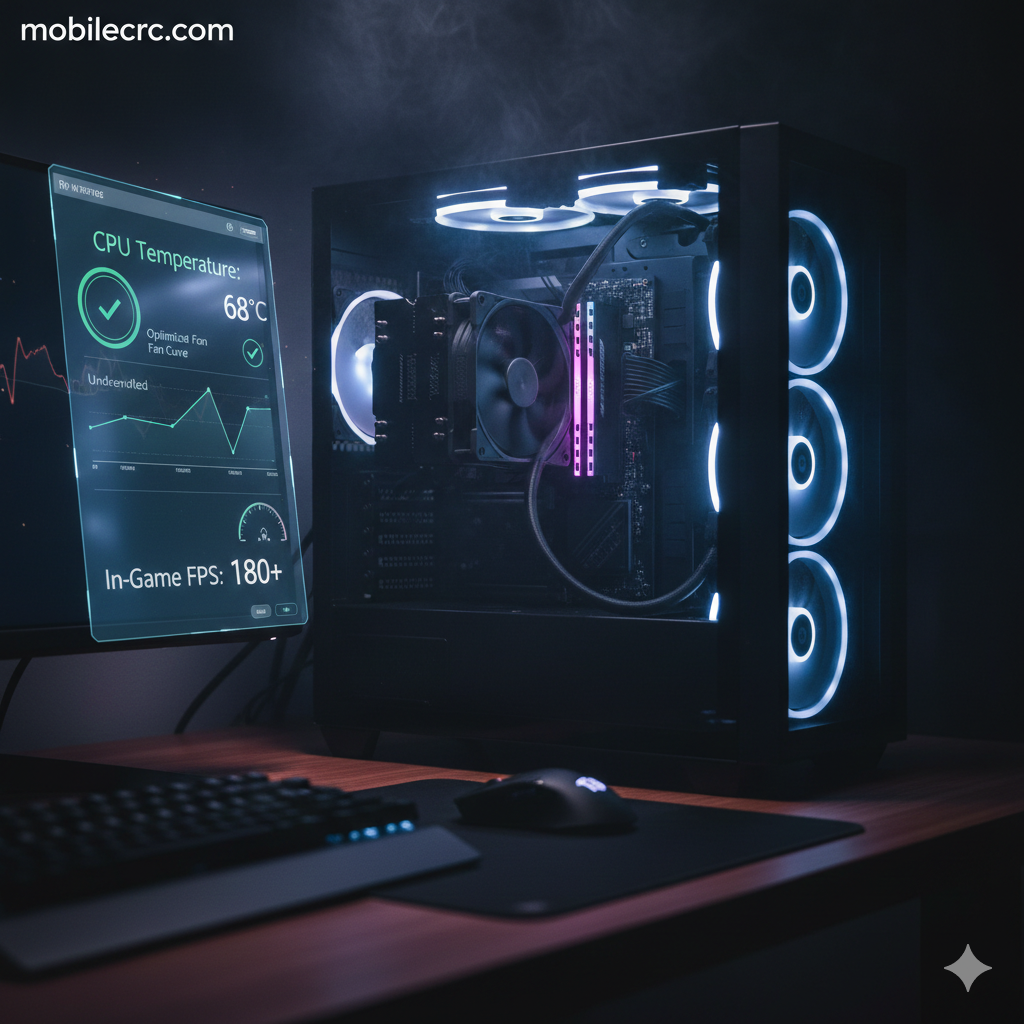
Nothing ruins a gaming session like thermal throttling. When your processor gets too hot, it slows itself down to prevent damage, leading to stutters and lag. If you are searching for “how to lower CPU temperature while gaming without losing FPS,” you are in the right place. At mobilecrc.com, we specialize in squeezing every bit of performance out of your hardware safely.
1. Optimize Your Fan Curves in BIOS
Most computers come with “Silent” fan profiles that don’t spin fast enough during heavy gaming. By entering your BIOS/UEFI, you can set a “Manual Fan Curve” to increase fan speed as the temperature rises. To effectively how to lower CPU temperature while gaming without losing FPS, ensure your fans hit 80-90% speed once the CPU crosses $70^\circ\text{C}$. This keeps the chip cool without cutting power.
2. Underclock vs. Undervolt (The Pro Secret)
Many users confuse these two. Underclocking lowers speed (bad for FPS), but Undervolting lowers the voltage supplied to the CPU without changing the clock speed. Tools like Intel XTU or AMD Ryzen Master allow you to undervolt safely. At mobilecrc.com, we’ve seen temperatures drop by $10-15^\circ\text{C}$ while maintaining the exact same FPS.
3. Replace Your Thermal Paste
If your PC is more than 2 years old, the thermal paste between your CPU and cooler has likely dried up. Re-applying a high-quality thermal compound (like Arctic MX-6) can drastically improve heat transfer. This is a physical fix that is essential for anyone wondering how to lower CPU temperature while gaming without losing FPS on older hardware.
4. Enable “Efficiency Mode” in Windows 11
The latest Windows updates have improved how background tasks are handled. By enabling “Efficiency Mode” for non-gaming apps in the Task Manager, you prevent unnecessary background processes from heating up your CPU cores. This keeps all the thermal “headroom” available for your game, ensuring smooth gameplay at mobilecrc.com approved speeds.
5. Improve Case Airflow (Positive Pressure)
Sometimes the problem isn’t the CPU, but the hot air trapped inside the case. Ensure you have more “Intake” fans than “Exhaust” fans to create positive air pressure. This prevents dust buildup and ensures a constant supply of fresh, cool air to the CPU cooler. A well-ventilated case is the foundation of a cool gaming rig.
6. Clean Your Heatsink with Compressed Air
Dust acts like a blanket, trapping heat inside the metal fins of your CPU cooler. Use a can of compressed air to blow out the dust every 3 to 6 months. A clean heatsink can breathe better, allowing your CPU to boost higher for longer periods without hitting the thermal limit.
Conclusion
You don’t always need an expensive water cooler to keep your PC cool. By following these steps on “how to lower CPU temperature while gaming without losing FPS,” you can enjoy peak performance and protect your hardware’s lifespan. Remember, a cool CPU is a fast CPU! For more hardware hacks and PC building tips, stay tuned to mobilecrc.com!
