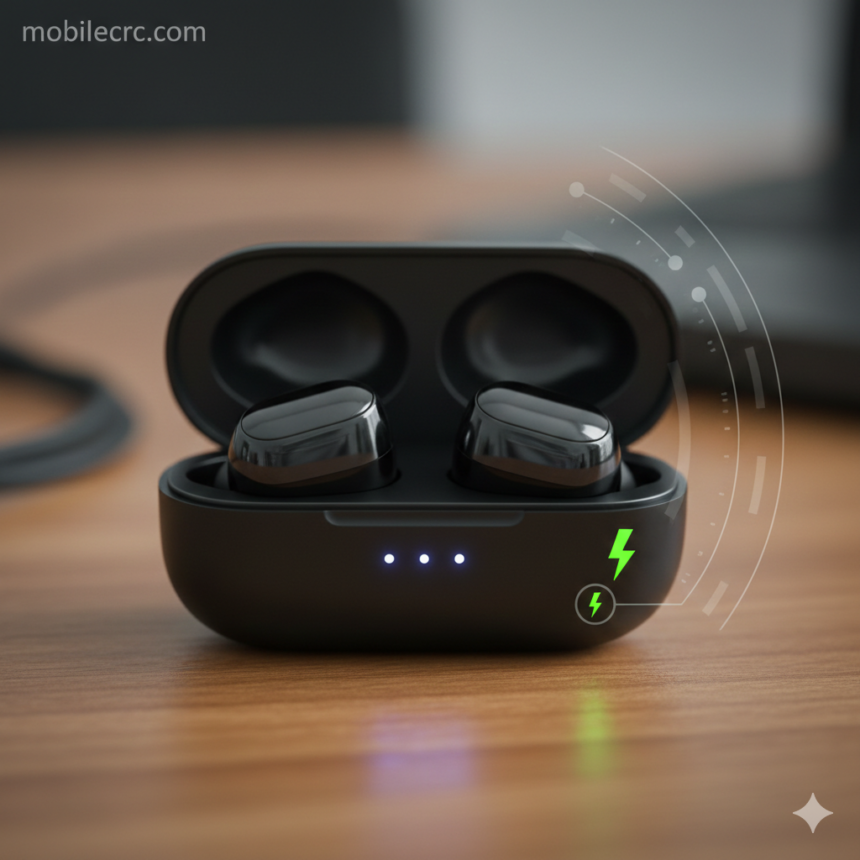
Wireless earbuds have revolutionized how we listen to music, but their small size means they have limited battery capacity. Nothing is more annoying than your earbuds dying in the middle of a workout or an important meeting. If you are searching for “how to increase wireless earbuds battery life,” you are in the right place. At mobilecrc.com, we help you get the most out of your premium gadgets with expert maintenance hacks.
1. Avoid Constant 100% Charging
Most users keep their earbuds in the case 24/7, keeping them at 100% charge constantly. This can actually degrade the lithium-ion battery over time. To effectively how to increase wireless earbuds battery life, try to keep the battery level between 20% and 80%. At mobilecrc.com, we recommend taking the case off the charger once it’s full to prevent “trickle charging” heat.
2. Turn Off Unnecessary Features (ANC & Transparency)
Active Noise Cancellation (ANC) and Transparency modes use extra microphones and processing power, draining the battery significantly faster. If you are in a quiet room, turn these features off. This is a simple yet powerful way to extend your listening time by up to 30%.
3. Keep Your Earbuds and Case Clean
It sounds basic, but earwax and dust buildup on the charging pins can prevent a solid connection. This causes the battery to struggle while charging, leading to inefficiency and heat. Use a soft, dry cloth or a cotton swab to keep the contact points sparkling. A clean earbud is a long-lasting earbud!
4. Use One Bud at a Time for Calls
If you are on a long office call or a casual chat, try using only one earbud while the other stays in the case. Most modern earbuds (like AirPods or Galaxy Buds) allow independent usage. This effectively doubles your total talk time and is a pro tip we often share at mobilecrc.com.
5. Update Your Firmware Regularly
Manufacturers often release software updates that optimize power consumption. Check your earbud’s companion app once a month for updates. These “over-the-air” patches can fix bugs that cause battery drain, helping you master how to increase wireless earbuds battery life without touching any hardware.
6. Keep Them Away from Extreme Temperatures
Lithium batteries hate extreme heat and freezing cold. Leaving your earbuds in a hot car or near a window can permanently damage the battery cells. Store them in a cool, dry place to ensure the chemical health of the battery remains intact for years.
7. Avoid Using “Fast Chargers” for the Case
While it’s tempting to use your 65W phone brick to charge your earbud case, the high voltage can generate excess heat. Use a standard 5W or 10W charger or a laptop USB port. Slow charging is much healthier for small earbud batteries in the long run.
Conclusion
Your wireless earbuds are a masterpiece of engineering, but they require a little bit of care. By following these steps on “how to increase wireless earbuds battery life,” you’ll ensure your favorite tunes keep playing for hours on end. For more gadget reviews and tech troubleshooting, stay connected with mobilecrc.com!